
Authentication and usage
API keys
An API key identifies your software to Speechineer: it belongs to one workspace, and every session started with it is attributed to it. Create a separate one for every use case whose usage you want to follow or cap on its own.
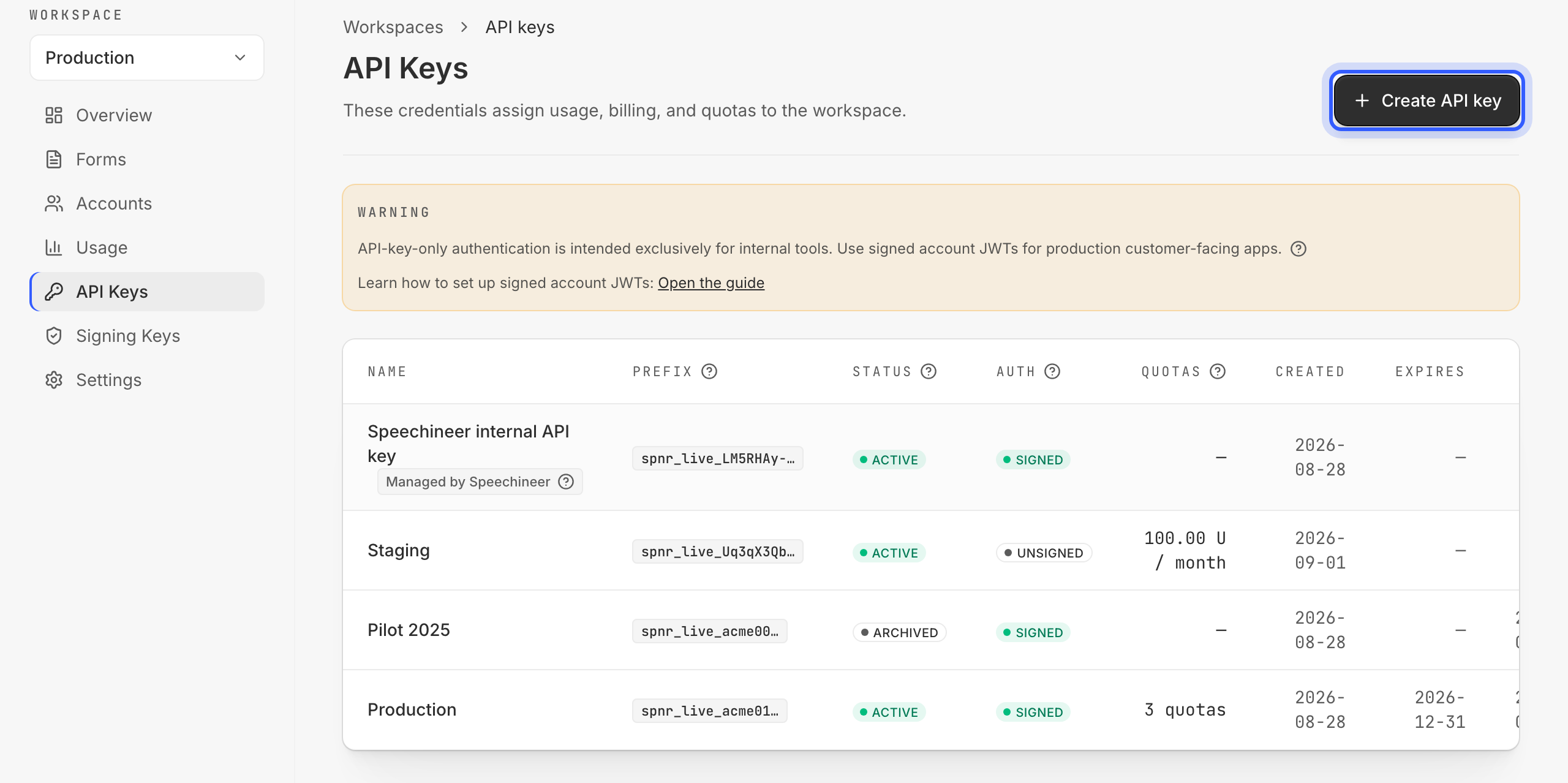
In the workspace, API keys lists every API key of the workspace — its name and prefix, its status, its auth mode, its quotas, when it was created, when it expires and when it was last used. Click Create API key: the dialog asks for a name, quotas, an auth mode and an optional expiry — each has its section below. The secret is shown once, when the API key is created: store it where your deployment reads its configuration.
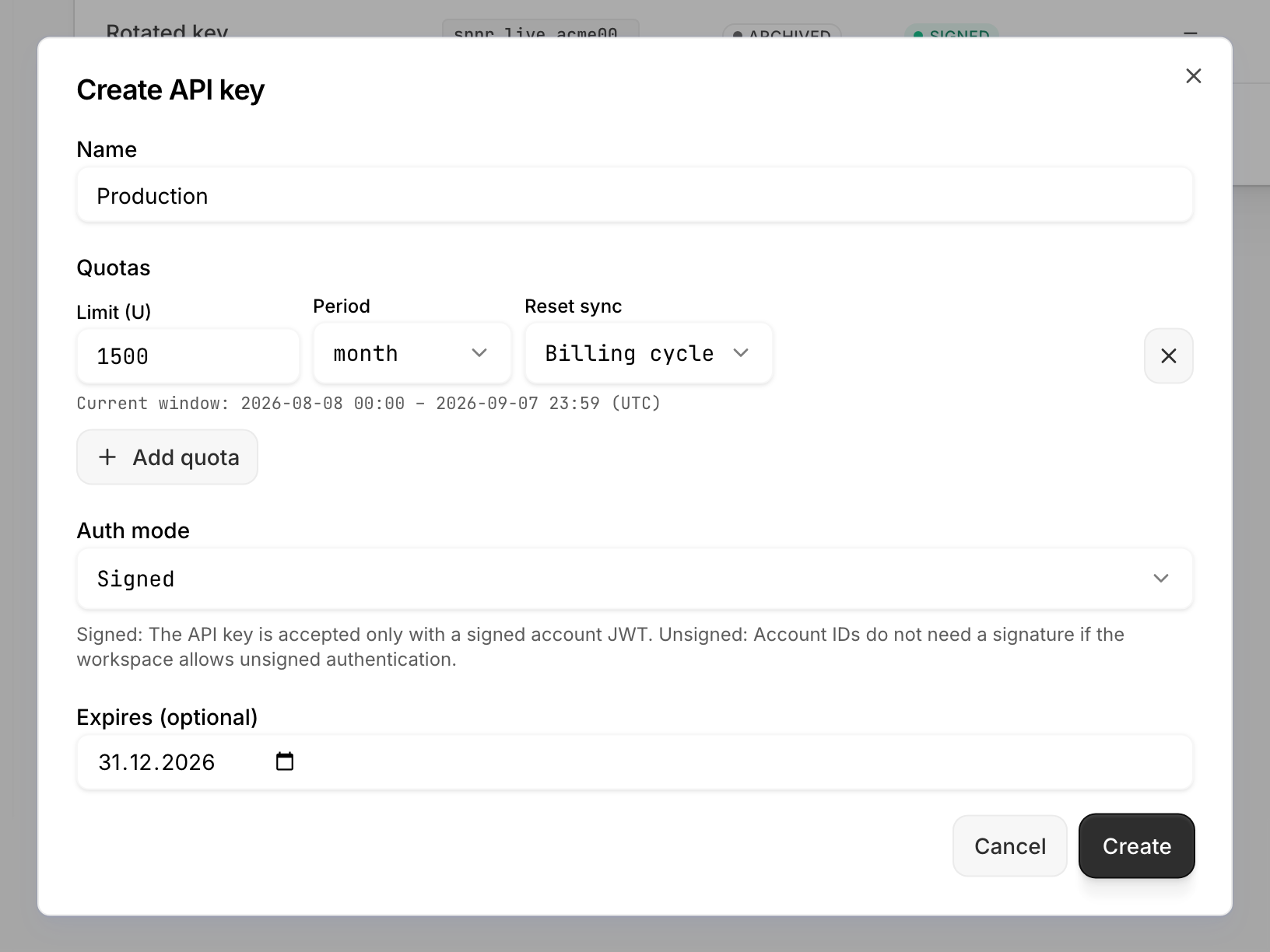
Name
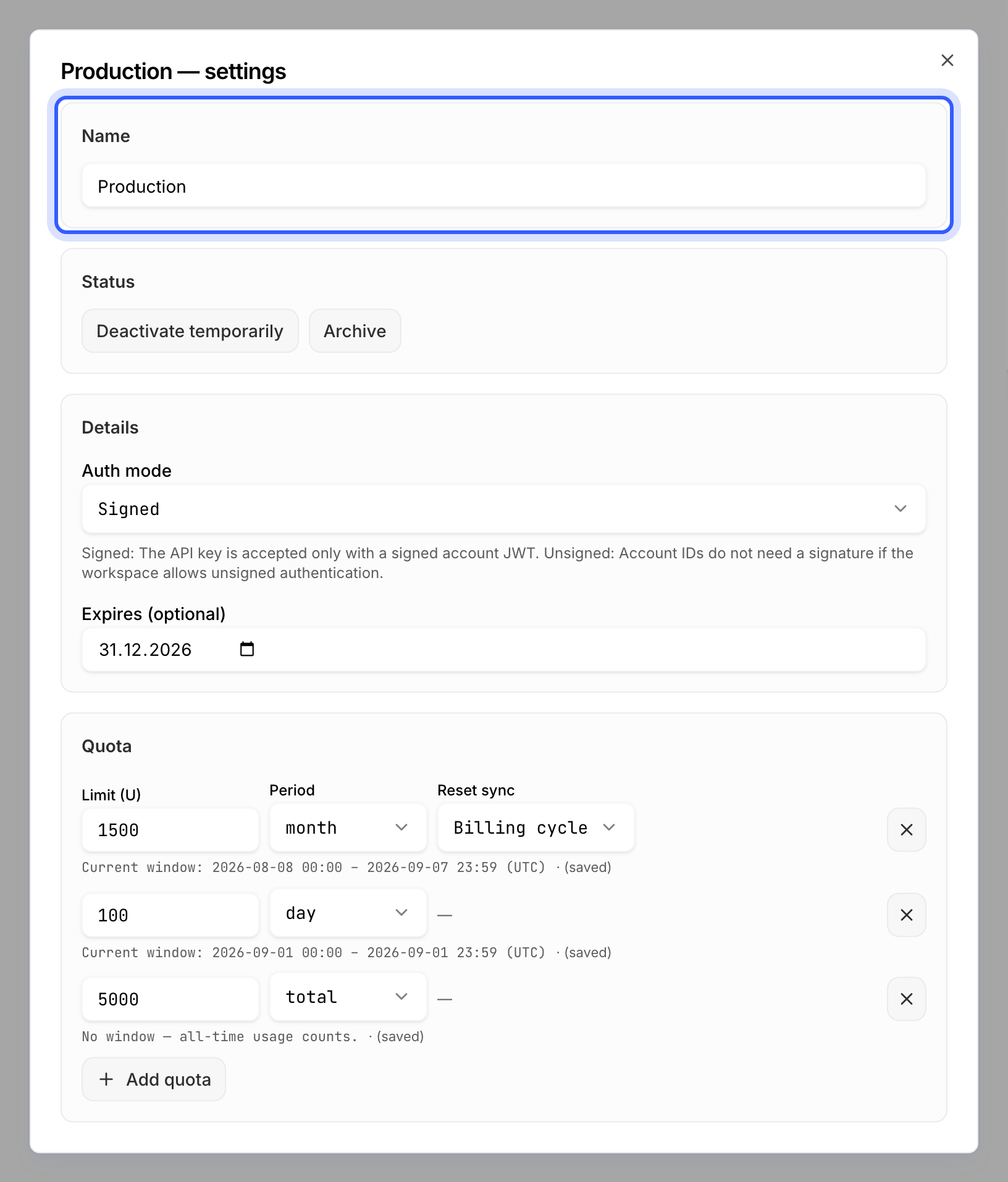
A label for you, shown in the list and in usage breakdowns — name the use case the API key serves: "Production", "Staging", "Public sign-up form". Renaming never affects authentication.
Auth mode
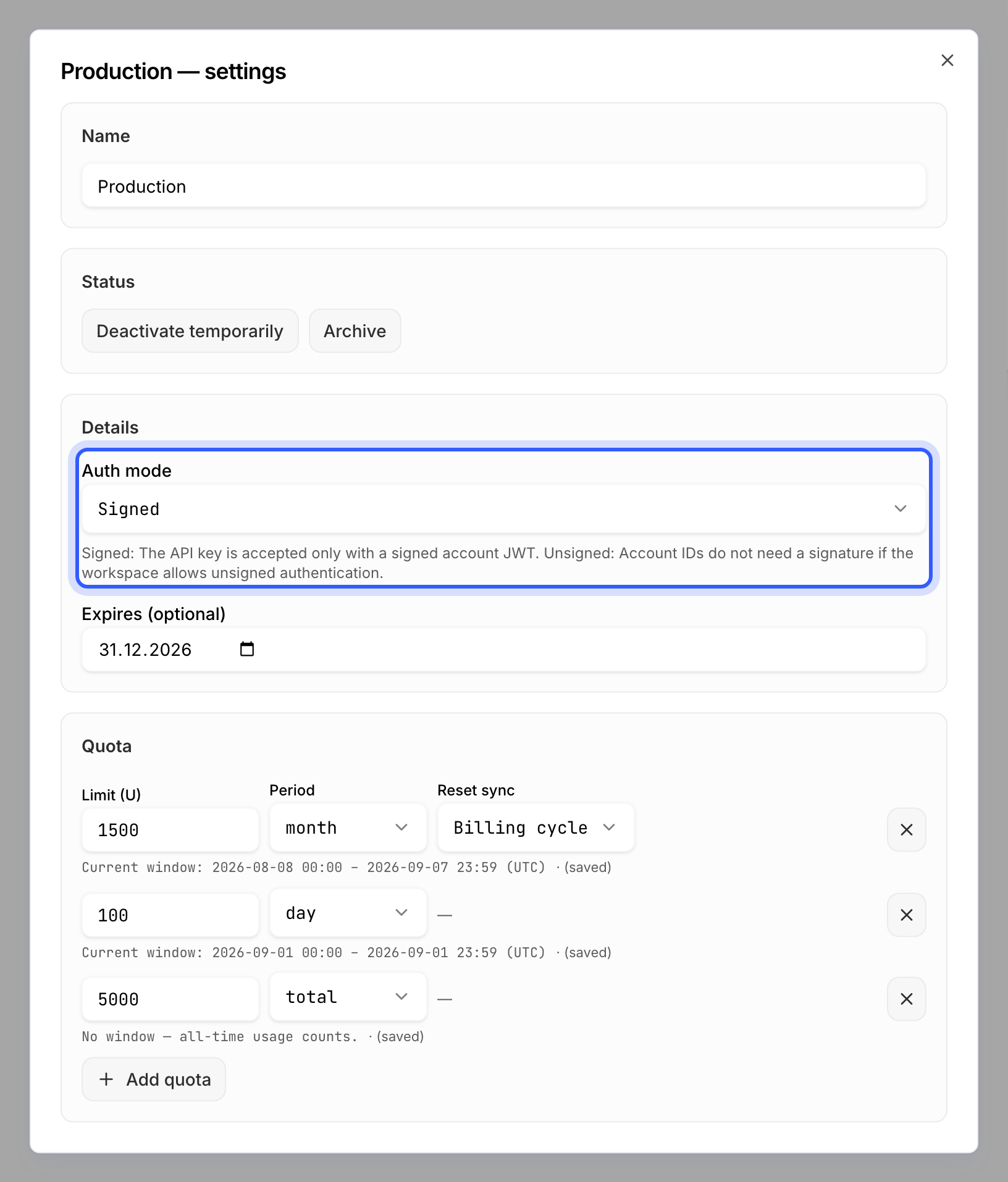
Unsigned or Signed — whether a client holding this API key authenticates by presenting the API key itself and naming its account (unauthenticated), or by presenting a token containing both, signed by your backend (authenticated).
| Unauthenticated | Authenticated | ||
|---|---|---|---|
| Fit | public pages and development | anything behind a login | |
| Who can use Speechineer in your form | anyone who can open the form | only users your backend issues a token to | |
| API key | Mode | Unsigned | Signed |
| Location | your frontend — the client passes it in its apiKey option | your backend — the token carries it in its api_key claim | |
| Account | Location | your frontend — the client names it in its account option | your backend — the token carries it in its account_key claim |
| Signing key | not needed | needed — its private half signs every token | |
Note
AUTH_MODE_MISMATCH either way.Note
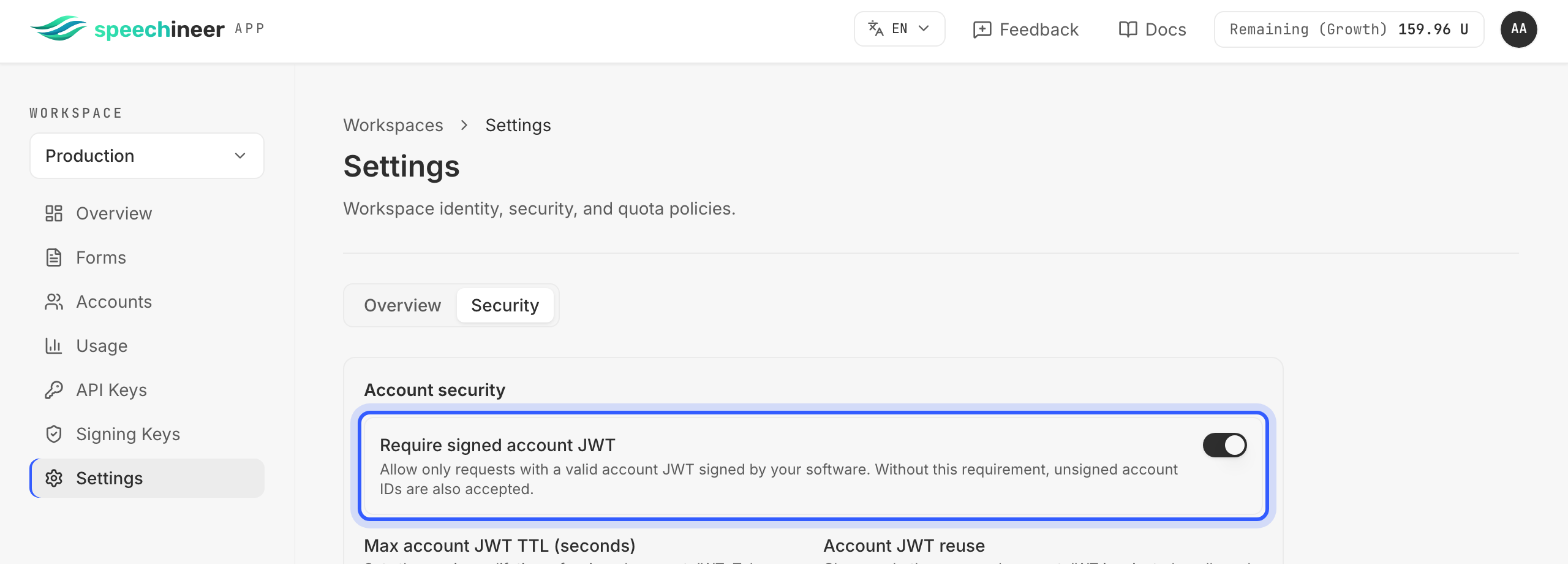
Additional information in
Quotas
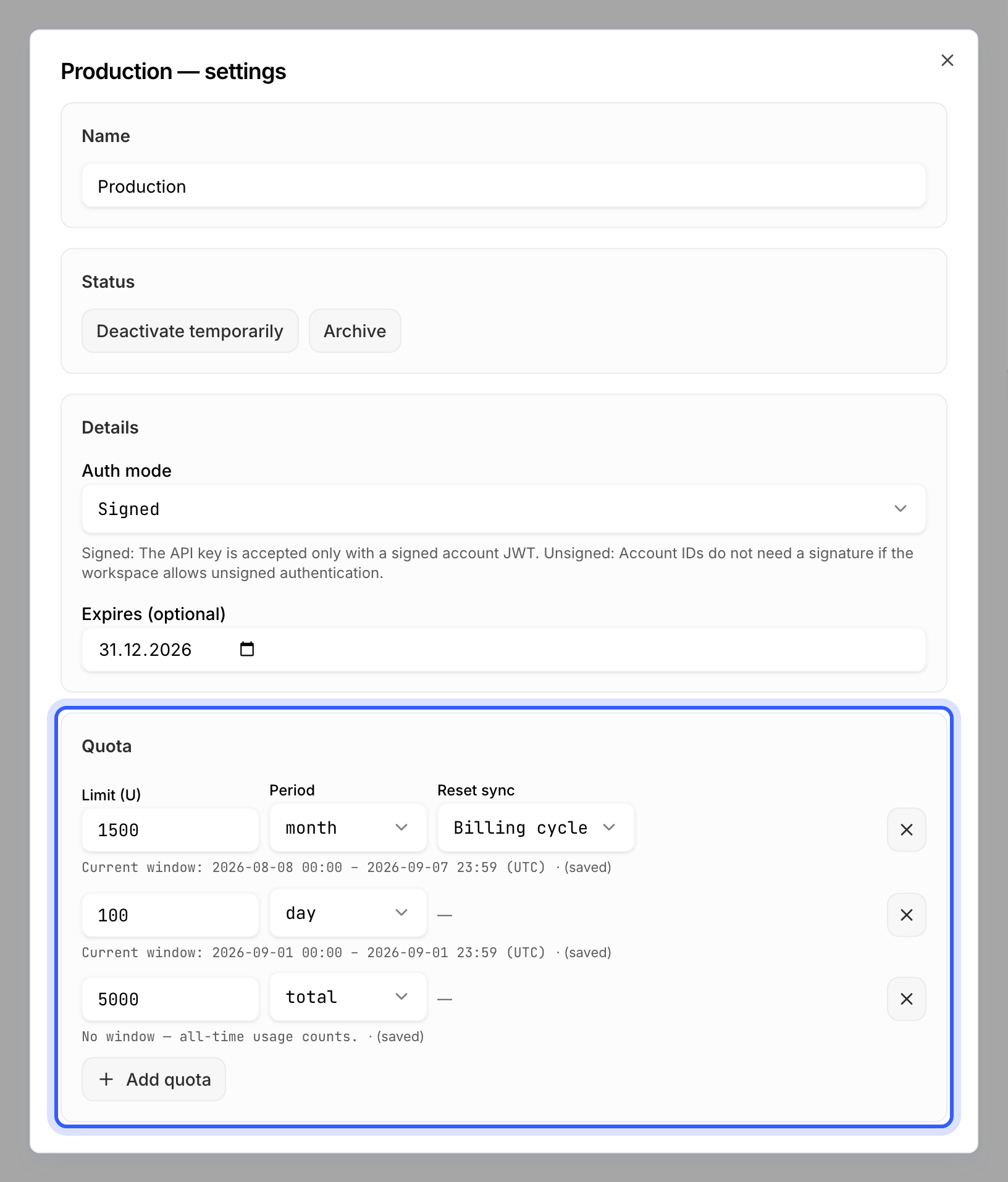
A quota is a limit — a number of units this API key may spend — within a period: a day, a week, a month, a year, or its whole lifetime (total). For a weekly, monthly or yearly quota you also choose whether the period follows the calendar or your billing cycle; a daily or total quota has no such choice. You can set several quotas on the same API key at the same time — a monthly budget and a daily brake, say. Every session has to fit within all of them: as soon as any one of them is used up, sessions are refused until that quota's period starts again, however much the others still have left.
The production API key above carries three: 1 500 units a month on the billing cycle — the budget the plan was sized for; 100 units a day — a runaway integration is stopped within the day, not the month; and 5 000 units in total — a hard ceiling for the lifetime of this API key, the right shape for a pilot. A session that would cross any of them fails with API_KEY_QUOTA_EXCEEDED.
Additional information in
Expiry
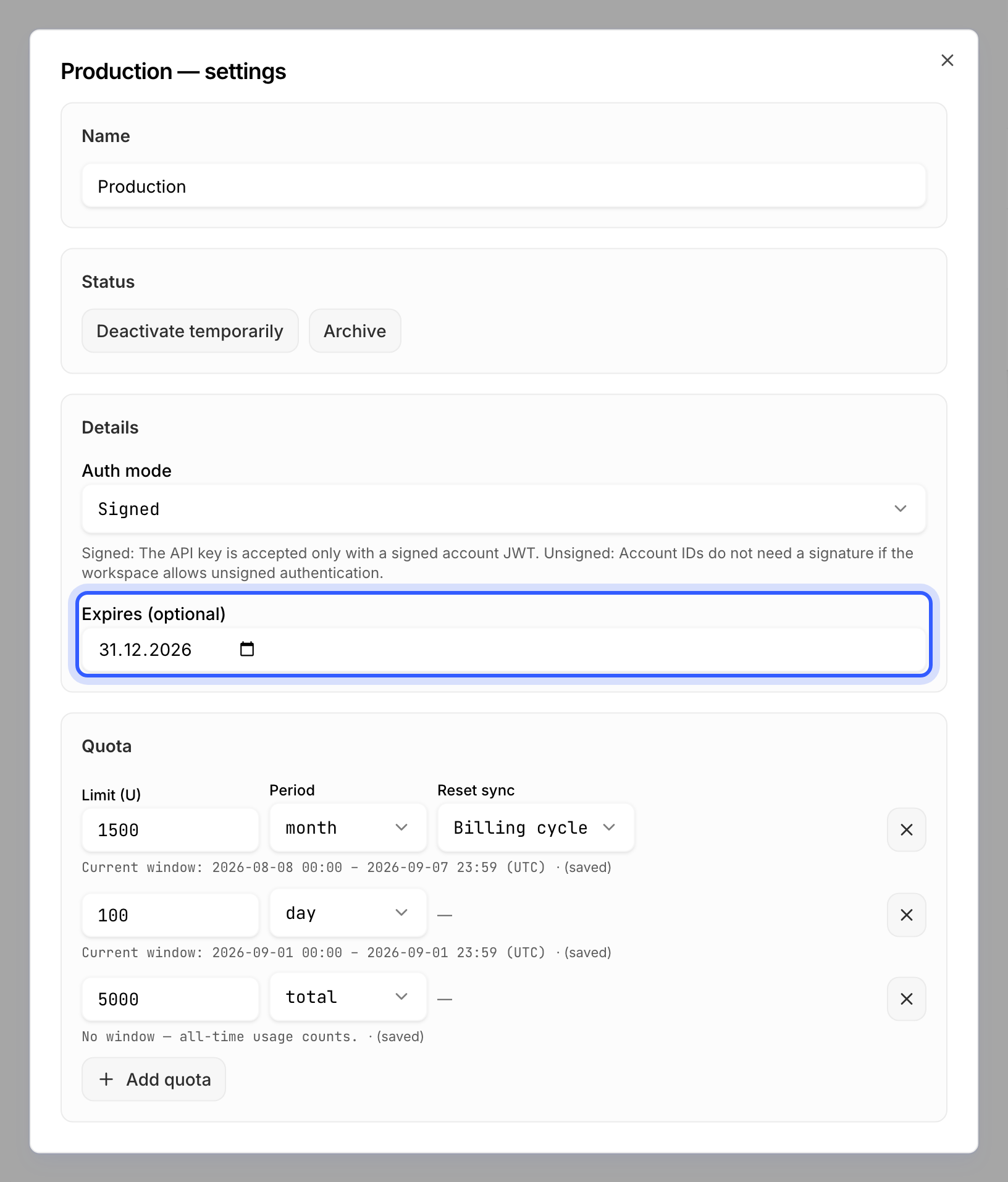
An optional date. From that day on, no session starts on this API key: the client is refused with API_KEY_INVALID, the same code as for a deactivated one. Overnight the API key is switched to Deactivated and its date cleared — it is never archived on its own — so you can reactivate it, with a new date if you want, or archive it yourself. Set an expiry on an API key you hand to a contractor or open for a pilot.
Status
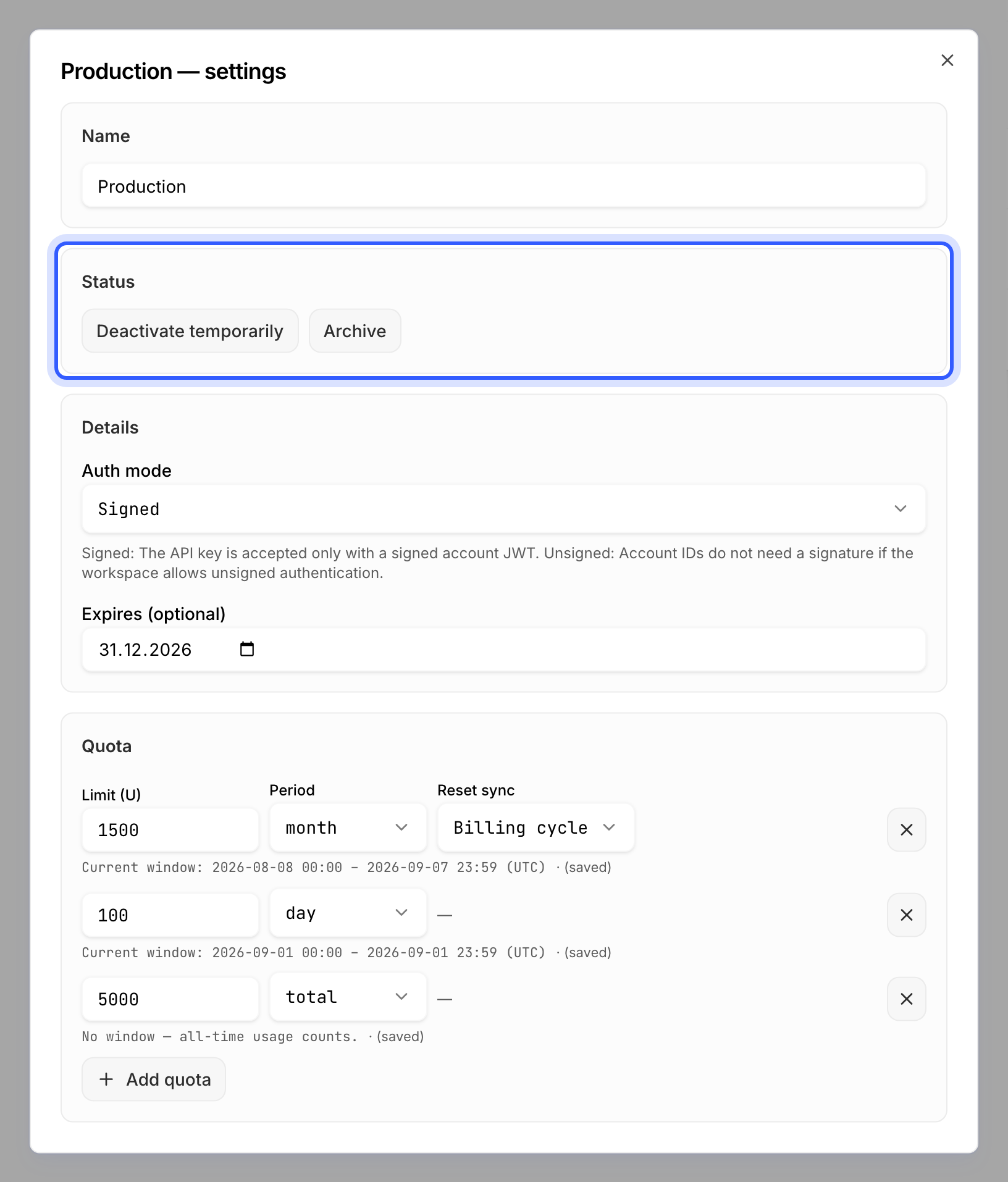
Deactivate temporarily pauses every session on this API key and can be reversed; Archive is final and keeps the usage history. Archive an API key that leaked or whose use case is gone; deactivate one you expect to switch back on.